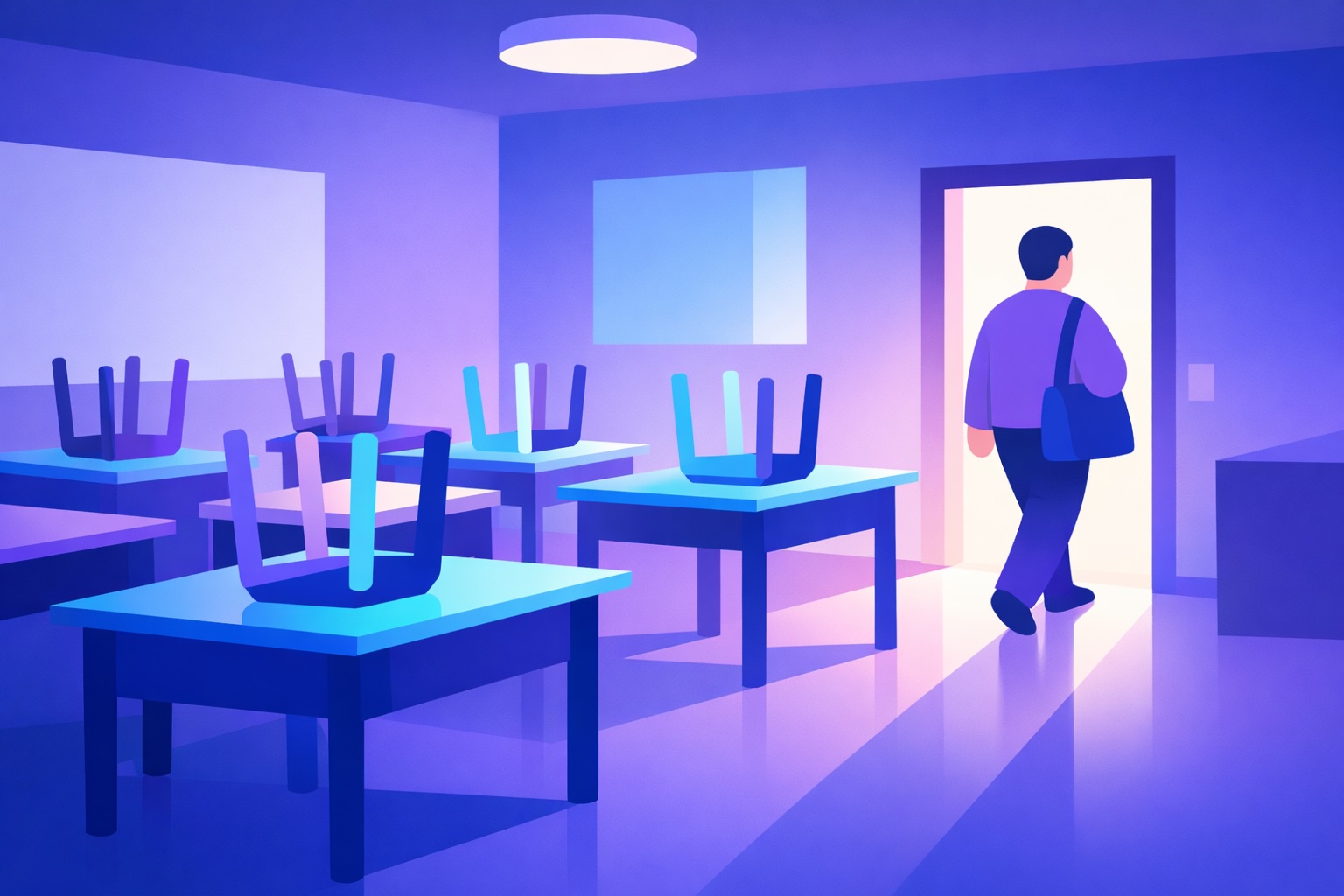
So if your laptop is “just coming home for a bit”… it’s not you being disorganised.
It’s the job expanding to fill every gap you leave unprotected.
This isn’t a list of things you must do.
It’s a menu. Pick what looks tasty. Ignore the rest.
Some are mindset shifts. Some are boundary hacks. Many are specific AI prompts you can use right now to cut corners without cutting quality (and without touching identifiable student data).
How to use this playbook to leave work at school
Don’t binge it. You don’t have time.
Pick the section that hurts most right now (marking / planning / admin).
Try one tip tomorrow.
Go home on time.
Want the full 101 Ways to Leave Work at School?
It’s an unlock inside my PPA Buddy Skool community (Level 4).
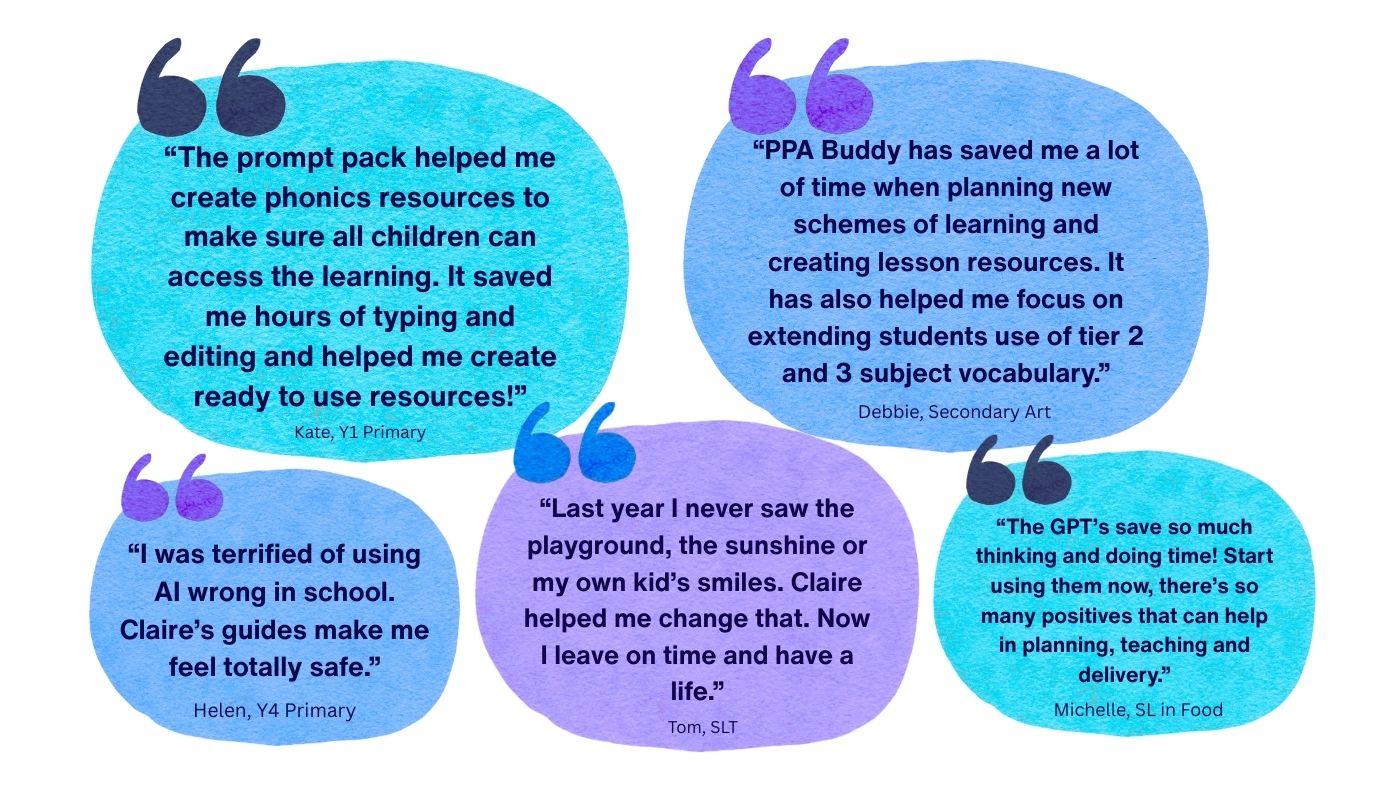
Real teachers on how PPA Buddy helps them plan faster, feel safe using AI, and leave school on time.
Kate, Y1 Primary
“The prompt pack helped me create phonics resources to make sure all children can access the learning. It saved me hours of typing and editing and helped me create ready to use resources!”
Debbie, Secondary Art
“PPA Buddy has saved me a lot of time when planning new schemes of learning and creating lesson resources. It has also helped me focus on extending students use of tier 2 and 3 subject vocabulary.”
Helen, Y4 Primary
“I was terrified of using AI wrong in school. Claire’s guides make me feel totally safe.”
Tom, SLT
“Last year I never saw the playground, the sunshine or my own kid’s smiles. Claire helped me change that. Now I leave on time and have a life.”
Michelle, SL in Food
“The GPT’s save so much thinking and doing time! Start using them now, there’s so many positives that can help in planning, teaching and delivery.”
1) Mindset & boundaries (the boring bit that changes everything)
If you don’t respect your time, nobody else will.
A few boundary moves that punch above their weight:
“No” is a complete sentence. Use it with SLT. Use it with yourself.
B-minus planning changes lives too. A-plus planning burns you out.
Email on your phone = anxiety in your pocket. Delete the app.
Set an alarm for home time. When it goes: pack up.
PPA is sacred time. Door closed. Sign up. No covering.
Stop checking emails after dark. Nothing good arrives at 9pm.
Your job is what you do, not who you are. Protect the human.
Try this tomorrow: pick one boundary and make it visible (sign, calendar block, autoresponder).
2) AI planning & resourcing (let the machine do the heavy lifting)
Blank-page planning is a trap. Start from a scaffold — then make it yours.
Steal any of these prompts:
Lesson skeleton: “Create a lesson outline for [topic] with: Do Now, I Do, We Do, You Do, exit ticket.”
Hook generator: “Give me 3 curiosity-based hooks for this objective: [paste objective].”
Misconception buster: “What are 5 common misconceptions Year 8 have about [topic]?”
Retrieval starter: “Write 6 retrieval questions based on last lesson on [topic], mixed difficulty.”
Reduce cognitive load: “Rewrite these instructions for a pupil with slow processing speed. Keep it to 4 steps.”
WAGOLL trio: “Generate 3 model answers: weak, secure, exceptional — then add 3 teacher feedback points for each.”
Safety note (keep it squeaky clean): never paste names or anything identifying. Use anonymised or fabricated examples.
Want the full bank of prompts (and the “copy/paste” versions teachers actually use)?
(You’ll get the full 101, plus support to actually implement it — not just read it and feel guilty.)
FAQ
Is it really possible to leave work at school as a teacher?
Yes — but it usually requires changing the defaults (marking approach, email boundaries, and planning systems), not working harder.
Will AI actually reduce teacher workload?
It can, if it’s used for scaffolding (planning, quiz generation, rubric drafts, clarity rewrites) and you keep data protection tight (no identifiable student info).
What’s the fastest change with the biggest impact?
Batching emails + switching to whole-class feedback are often the quickest wins.
Cookie Consent
We use cookies to keep the site running smoothly and help us understand what teachers find useful.
Choose “Accept all cookies” if you’re happy for PPA Buddy to use cookies as explained in our Cookie Policy
Accept all cookies
Reject non-essential cookies
Manage choices
Cookie Consent Preference Center
Strictly Necessary Cookies
These cookies are necessary for the website to function and cannot be switched off in our systems. They are usually only set in response to actions made by you which amount to a request for services, such as setting your privacy preferences, logging in or filling in forms. You can set your browser to block or alert you about these cookies, but some parts of the site will not then work. These cookies do not store any personally identifiable information.
Performance Cookies
These cookies allow us to count visits and traffic sources so we can measure and improve the performance of our site. They help us to know which pages are the most and least popular and see how visitors move around the site. All information these cookies collect is aggregated and therefore anonymous. If you do not allow these cookies we will not know when you have visited our site, and will not be able to monitor its performance.
Functional Cookies
These cookies enable the website to provide enhanced functionality and personalisation. They may be set by us or by third party providers whose services we have added to our pages. If you do not allow these cookies then some or all of these services may not function properly.
Targetting Cookies
These cookies are used to make advertising messages more relevant to you and may be set through our site by us or by our advertising partners. They may be used to build a profile of your interests and show you relevant advertising on our site or on other sites. They do not store directly personal information, but are based on uniquely identifying your browser and internet device.